A timer that lives in the macOS menu bar.
Natural-language countdowns, Pomodoro, and stopwatch — local only, no account, no cloud.
Free, open source, requires macOS 14 Sonoma or later
Built for the menu bar
The features you reach for without leaving your desktop.
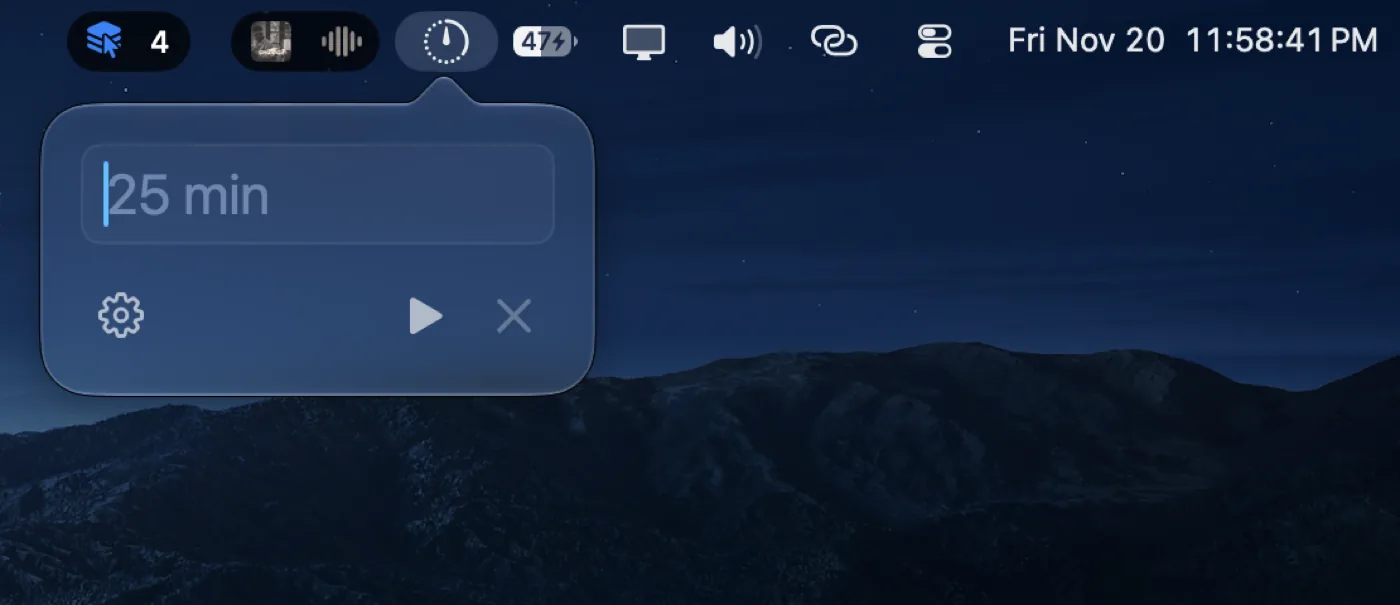
Natural language
Type 25m, 1 hour and 39 min, 10pm, or +5. OnTime parses it in the menu bar.
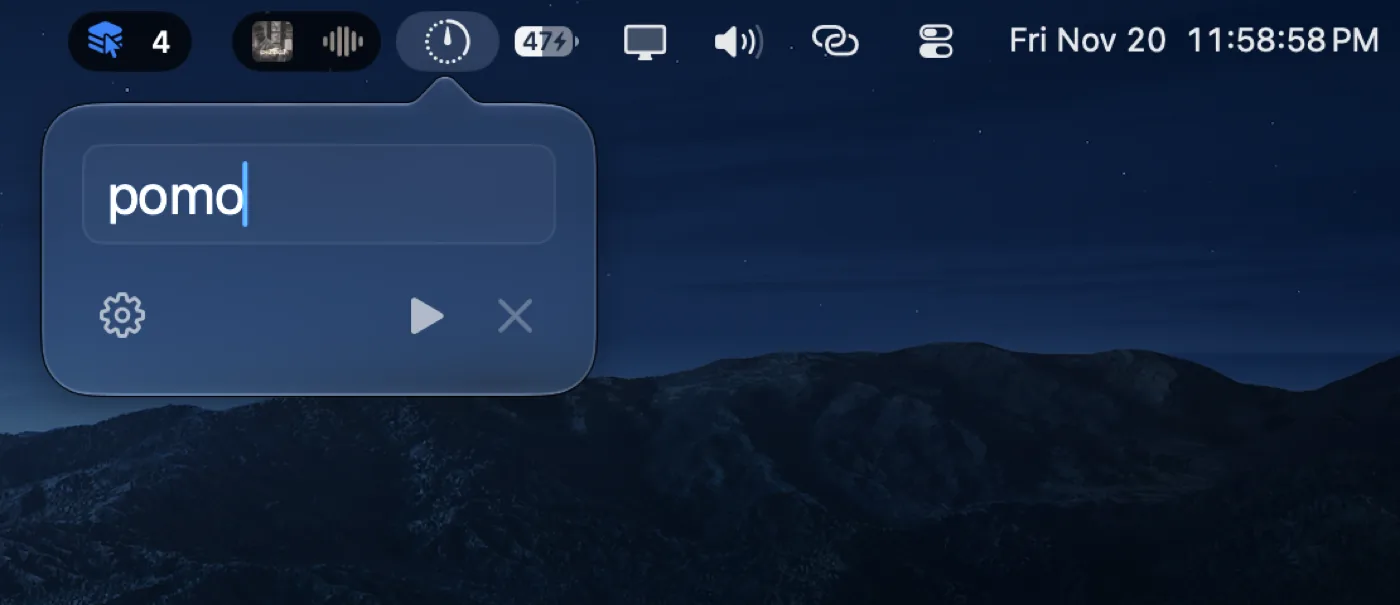
Pomodoro and stopwatch
Configurable cycles, skip phase, and +5 minutes when a session runs long.
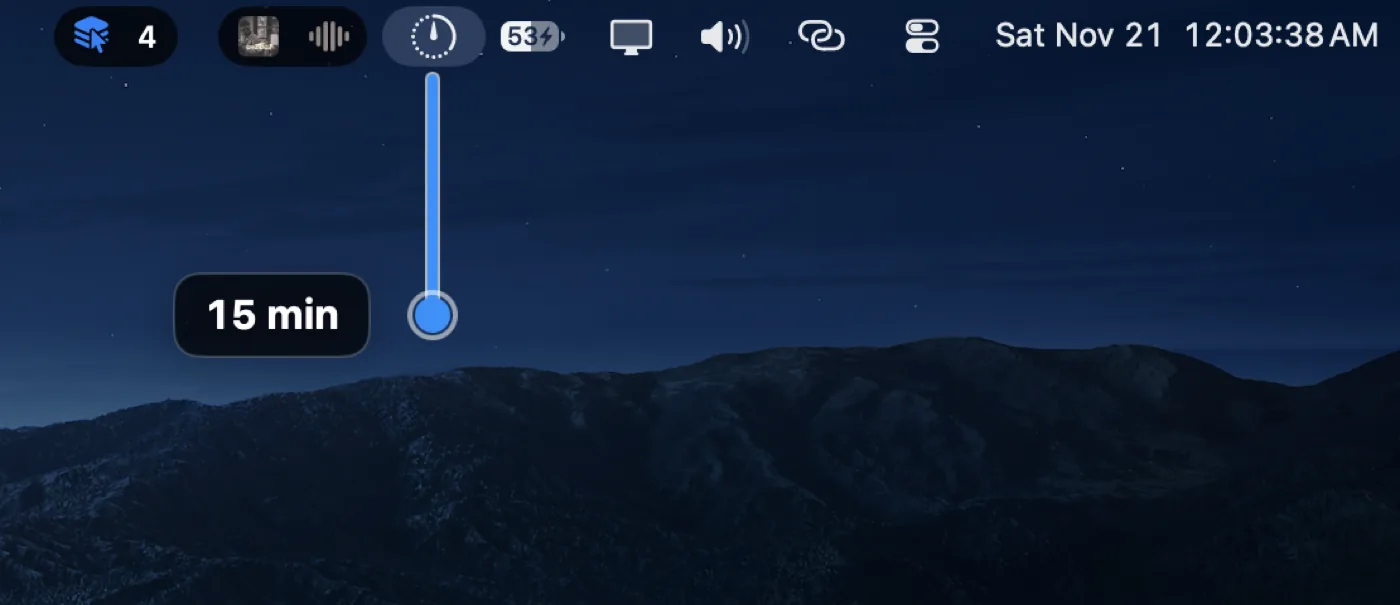
Stretch to set
Drag down from the menu bar icon to set a countdown — Option for seconds, Esc to cancel.
Private by design
Sessions stay on your Mac. Nothing leaves for analytics.
- No accounts or sign-in
- No telemetry or cloud sync
- Local JSONL session log only
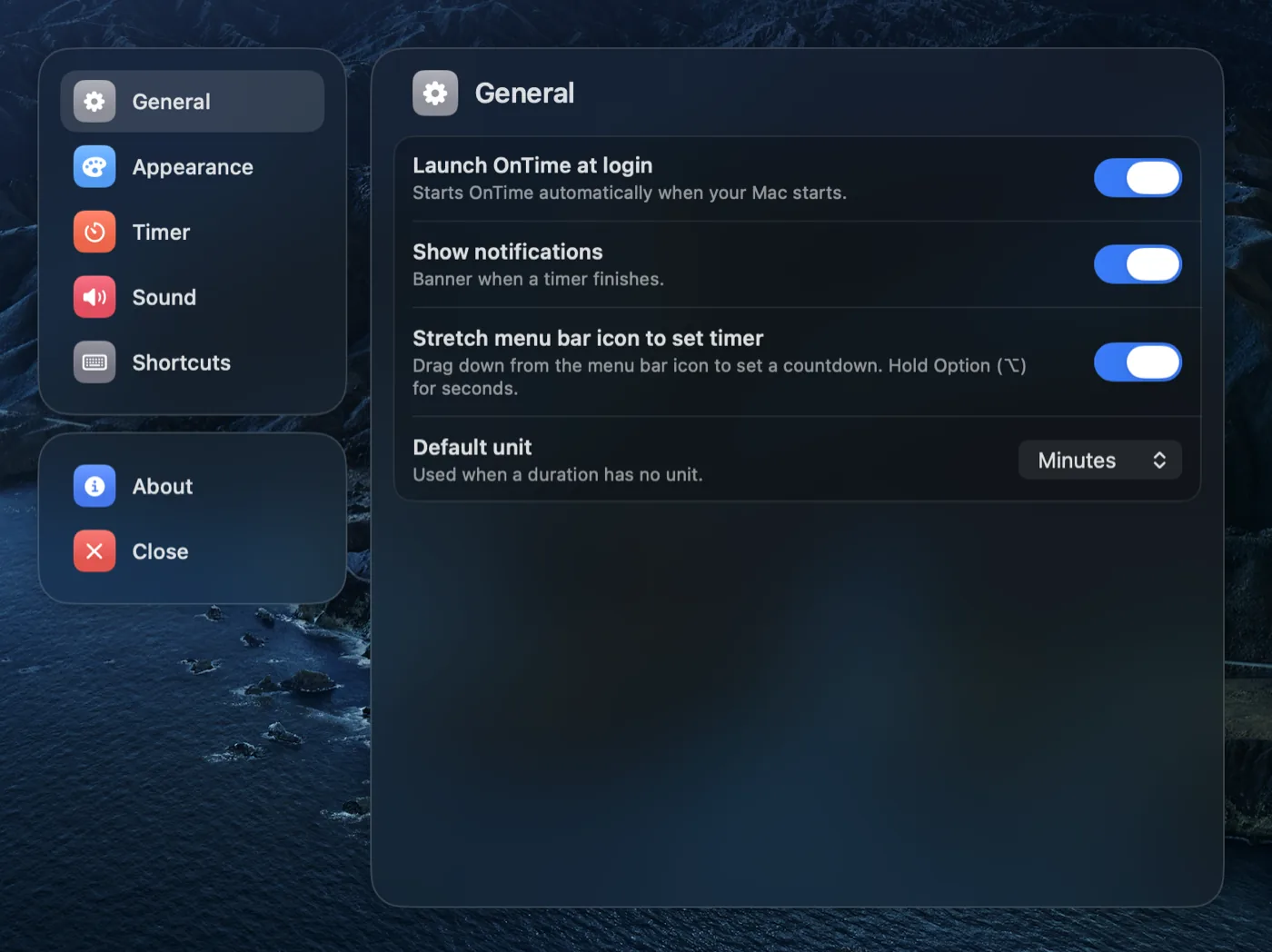
Shortcuts and URLs
Drive timers with ontime:// links, App Intents, Alfred, Raycast, or scripts — without opening a window.
Get OnTime
Download the latest build and drag it into Applications
then open OnTime from there to get started.
Or install from Terminal — downloads the latest build, clears Gatekeeper quarantine, and opens OnTime:
curl -fsSL -o /tmp/OnTime.zip https://github.com/RamiruWanigathunga/OnTime/releases/latest/download/OnTime.zip && rm -rf /tmp/OnTime-extract && ditto -x -k /tmp/OnTime.zip /tmp/OnTime-extract && rm -rf /Applications/OnTime.app && mv /tmp/OnTime-extract/OnTime.app /Applications/ && xattr -cr /Applications/OnTime.app && open /Applications/OnTime.appcurl -fsSL -o /tmp/OnTime.zip https://github.com/RamiruWanigathunga/OnTime/releases/latest/download/OnTime.zip && rm -rf /tmp/OnTime-extract && ditto -x -k /tmp/OnTime.zip /tmp/OnTime-extract && rm -rf /Applications/OnTime.app && mv /tmp/OnTime-extract/OnTime.app /Applications/ && xattr -cr /Applications/OnTime.app && open /Applications/OnTime.app